Integrating an AI Virtual Receptionist Into Your Front Office (2026)
A practical, step-by-step guide to connecting an AI virtual receptionist to your CRM, phone system, and calendar without a dev team or months of downtime.
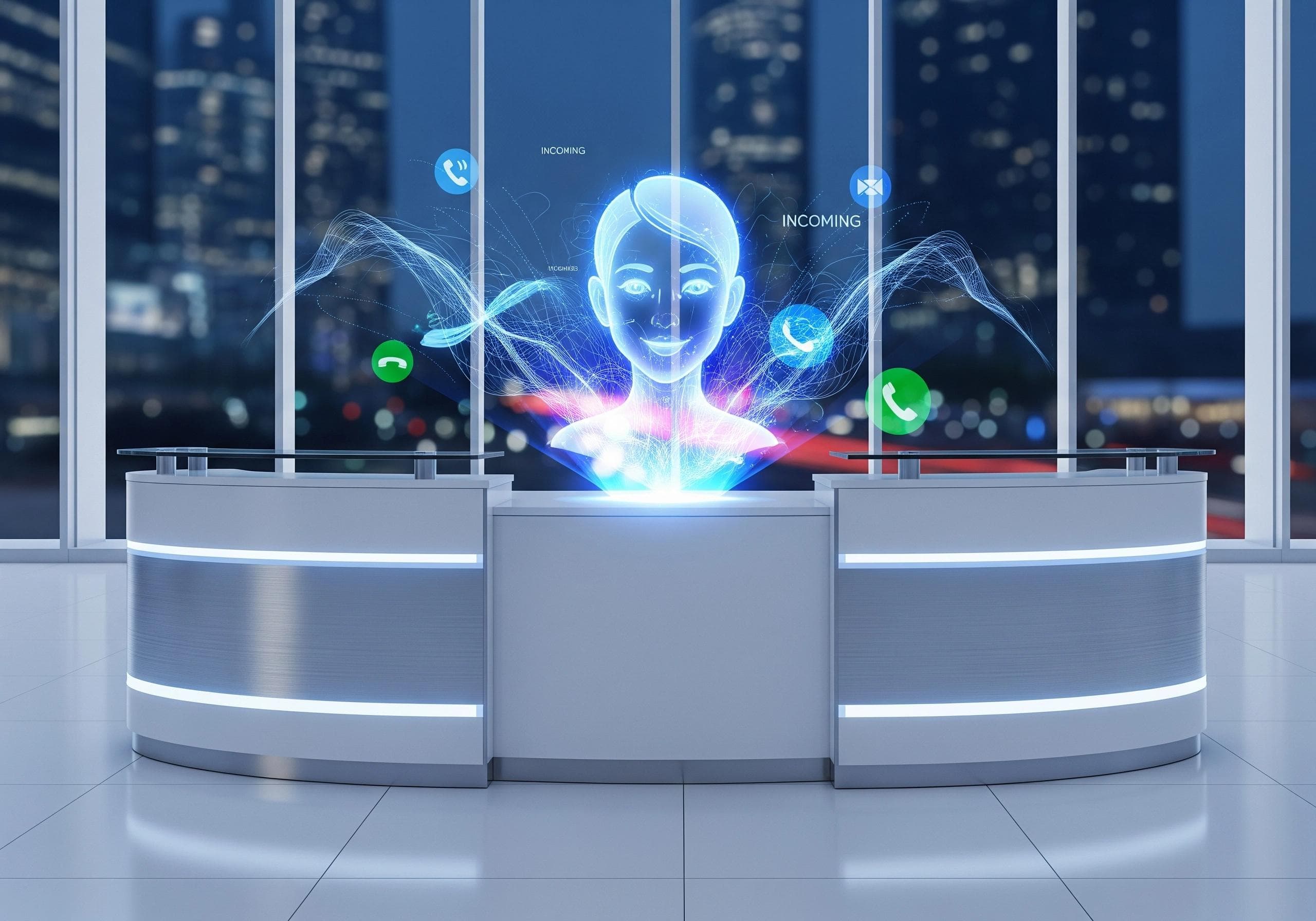
Most guides to AI receptionists talk about what they do. This one is about the part that actually determines whether the rollout works: integration.
Step 1: Map what your front office actually handles today
Before connecting anything, write down every call type your front desk currently takes: new inquiries, existing customer support, appointment bookings, billing questions, emergency escalations. Most businesses underestimate this list — and an AI receptionist that's only set up for "new inquiries" will mishandle everything else.
Step 2: Connect your phone system
This is usually the fastest step. Most AI receptionist platforms integrate with existing business phone numbers and VoIP systems without requiring a number change — calls route to the AI the same way they'd route to a human line today.
Step 3: Connect your CRM
This is where the AI stops being a phone tree and starts being useful. A connected CRM lets the AI pull customer history mid-call ("I see you called last week about X") and log every interaction automatically, so nothing falls through after the call ends.
If your CRM isn't on the vendor's standard integration list, ask specifically how they handle custom API connections — this is the detail that turns a two-day setup into a two-week one if it's not planned for upfront.
Step 4: Connect your calendar for bookings
If any part of your call volume is appointment-related, calendar integration should go live in the same rollout, not as a "phase two." An AI receptionist that can answer questions but can't book the appointment just pushes the friction one step later in the funnel.
Step 5: Set the escalation rules
Decide explicitly: what gets handled fully by AI, and what gets handed to a human — and when. This is a policy decision, not a technical one, and it's the single biggest driver of whether customers trust the system. Write it down before launch, not after the first bad call.
Step 6: Run it in parallel before full cutover
Route a portion of calls to the AI receptionist while keeping your existing setup live for the rest. Compare resolution rates, escalation rates, and caller feedback for one to two weeks before fully switching over. This catches integration gaps while the cost of a mistake is still small.
What "done" looks like
A properly integrated AI virtual receptionist should: answer every call without exception, pull relevant customer context automatically, book directly into your calendar, and escalate cleanly when it should. If any of those four isn't true after setup, the integration isn't finished — even if the AI is technically "live."